How Zignuts Leverages AI to Design Smarter, Faster, and More Human Digital Experiences
At Zignuts, design has never been about making things “look good.”
It has always been about solving real business problems through thoughtful, human-centered digital experiences.
As we move into 2026, AI is no longer an experiment; it’s embedded in how modern products are researched, designed, validated, and scaled. But here’s the reality most agencies won’t say out loud:
AI doesn’t replace good designers. It exposes bad processes.
At Zignuts, we don’t use AI for shortcuts. We utilize it to enhance decision-making, minimize friction, and develop scalable design systems that deliver real-world performance.
This article breaks down the 10 essential AI tools shaping UI/UX design in 2026 and, more importantly, how we strategically use them at Zignuts to deliver better outcomes for startups, enterprises, and global clients.
1. Flowstep: From Idea to Multi-Screen UI with Code Export
Flowstep turns product ideas into multi-screen UI: onboarding, dashboards, and settings from a single prompt, rather than one screen at a time. Flowstep supports copy and paste directly into Figma with no plugin and exports as clean React, TypeScript, and Tailwind CSS for engineering handoff.
How Zignuts uses Flowstep
Rapid multi-screen UI exploration during early product ideation
Generating several connected design directions from product requirements in one pass
Refining AI-generated designs with both AI prompts and manual edits on the same canvas
Moving directly from concept to a Figma-ready, code-ready UI without rebuilding screens
Why it matters to our clients
Our clients don't just need screens; they need clear product experiences that move from idea to execution efficiently. Flowstep helps our designers explore and validate interface directions faster, allowing them to focus on:
Product logic
Usability
Design direction
This enables faster iterations and stronger alignment before moving into detailed design and development.
2. UX Pilot: AI Compressing the Entire UX Lifecycle
At Zignuts, UX research is not a checkbox; it’s a strategic advantage. UX Pilot AI helps us compress the UX lifecycle without compromising depth.
What this tool enables
Translating research insights into UX structure
Aligning user goals directly with interface decisions
Generating wireframes rooted in real user behavior
Zignuts’ advantage
Many agencies still treat research as documentation. We treat it as design fuel. UX Pilot AI ensures insights don’t die in reports—they actively shape the product experience.
3. Uizard: Democratization Without Dilution
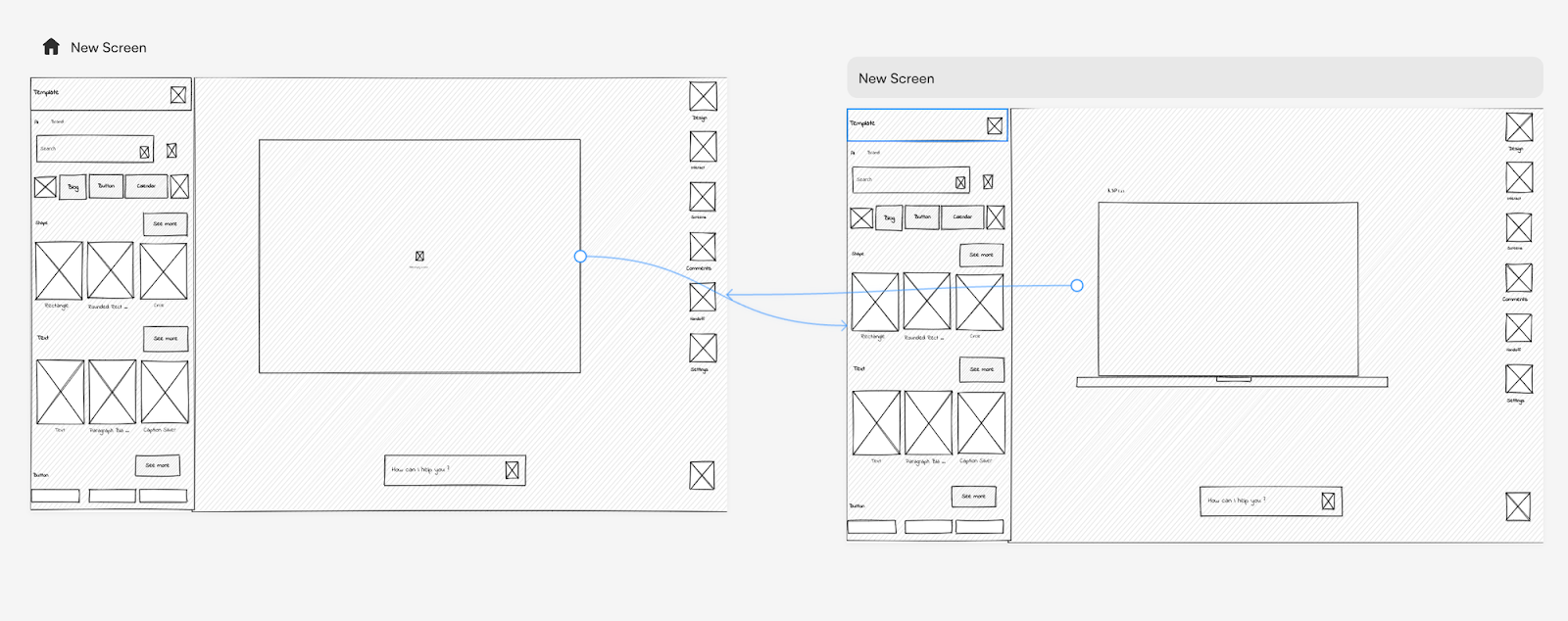
In fast-moving projects, speed matters—but clarity matters more.
Zignuts uses Uizard strategically during:
Early product discovery
Internal ideation workshops
Client alignment phases
Why do we use it
Rapid visualization of ideas
Faster stakeholder buy-in
Reduced turnaround during concept validation
What we don’t use it for
Final UX decisions. Uizard accelerates thinking, but human judgment refines it. Our senior designers always guide hierarchy, usability, and interaction logic.
Hire UI/UX Designers Today!

4. Visily: Collaboration Over Craft
In 2026, UI/UX design is deeply collaborative. Visily helps bridge communication gaps between designers, developers, product managers, and business stakeholders.
How Zignuts benefits
Faster alignment in early stages
Visual clarity for non-design stakeholders
Reduced back-and-forth during requirement discovery
Visily allows us to keep momentum high before committing to high-fidelity design, saving both time and cost for our clients.
Best for:
Low- to mid-fidelity screens
Fast iterations
Teams mixing designers and non-designers
It’s ideal when you want something real without wrestling with complex software.
Designing a Product for 2026? Don’t Guess. Design With Intelligence.
AI-driven design isn’t about shortcuts; it’s about making better decisions faster. At Zignuts, we combine human-centered design principles with AI-powered workflows to help businesses launch products that are intuitive, scalable, and future-ready.
If you’re planning a new digital product or redesigning an existing one, our UI/UX team can help you:
Validate ideas before heavy development
Reduce design and development rework
Build experiences that users actually stick with
👉 Let’s talk about your product vision and see how AI-powered design can move it forward.
5. Google Stitch UI to Code Magic
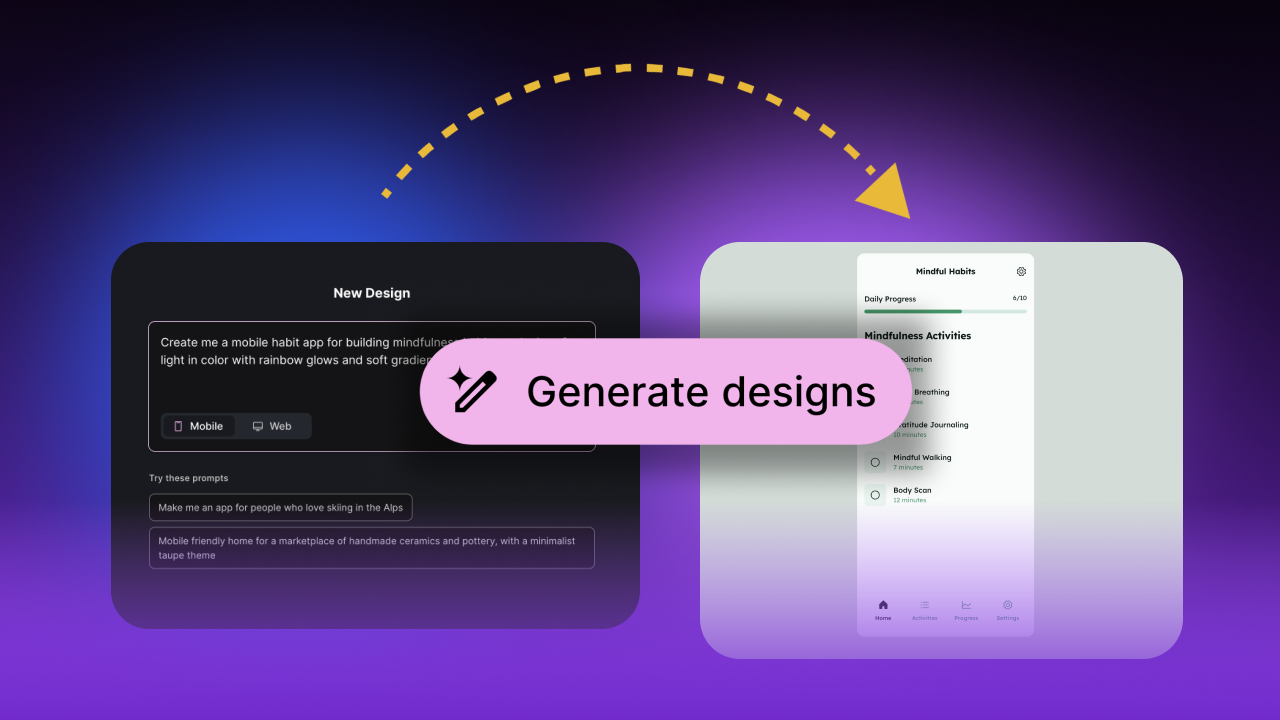
As an IT services and software development agency, Zignuts values tools that reduce friction between design and engineering.
Google Stitch enables:
Design-to-code experimentation
Faster proof-of-concept builds
Feasibility-driven design decisions
Why this matters
Design that ignores implementation is expensive. Stitch helps our designers think in:
Components
Constraints
Real-world logic
This results in cleaner handoffs and faster development cycles.
Will it replace developers? Nah. But it’s a game-changer for rapid prototyping and early builds.
6. Maze AI: User Testing Without The Manual Grind
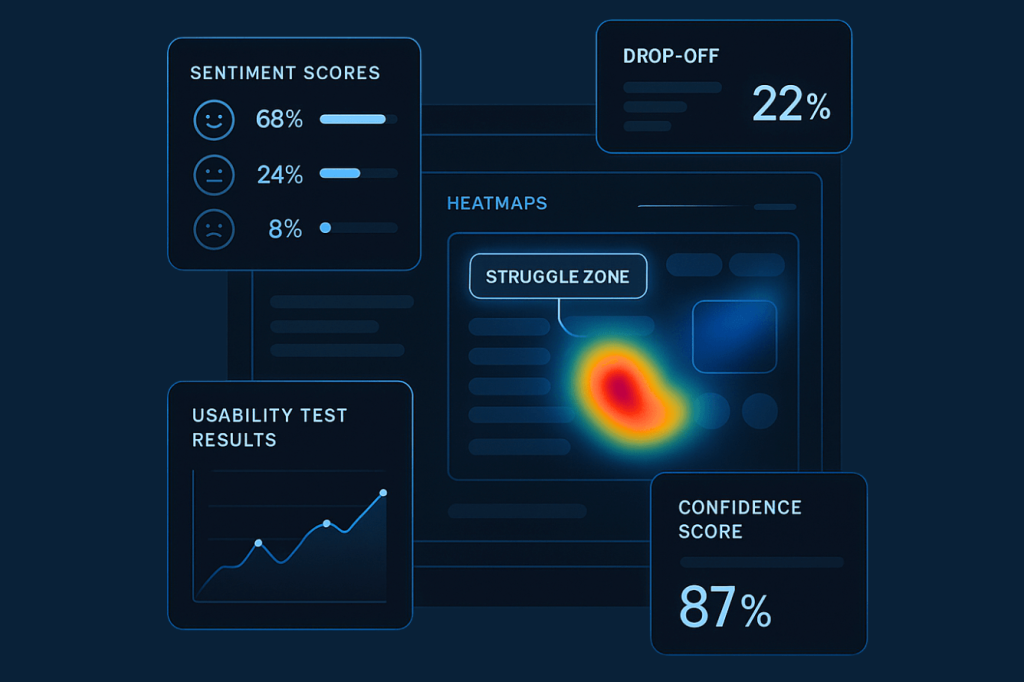
Maze AI automates usability testing like a dream. Instead of manually tagging user feedback and sifting through sessions, AI summarizes:
Insights from tests
Pain points
Theme clustering
Actionable UX recommendations
Why you’ll love it:
Instead of guessing what users struggle with, you know. That is gold for UX decisions.
Client impact
Instead of debating design choices, we validate them with real users. This reduces rework, improves conversion, and builds stakeholder confidence.
7. Beacon AI: Your UX Health Checker
Think of Beacon as “Grammarly for UX design.” It plugs right into Figma and flags
Beacon AI acts as a UX quality assurance layer within our design workflow.
What it checks
Hierarchy issues
Spacing and visual balance slips
Accessibility problems
Layout inconsistencies
It’s not a design engine, it’s a design sanity check. You should use this on every project before handoff. In high-velocity projects, Beacon ensures that speed never compromises quality—a critical factor for enterprise-grade products.
Not Sure Which AI Tools Fit Your Product? We’ll Help You Choose and Use Them Right.
Using AI tools is easy.
Using them strategically is where most teams struggle.
At Zignuts, we don’t blindly apply tools; we map them to:
Your business goals
Your product maturity
Your users’ real behavior
Whether you’re a startup validating an MVP or an enterprise scaling a platform, our team ensures AI enhances your UX, not complicates it.
👉 Get a free UI/UX + AI workflow consultation tailored to your product stage.
8. Midjourney: Visual Exploration & Creative Direction
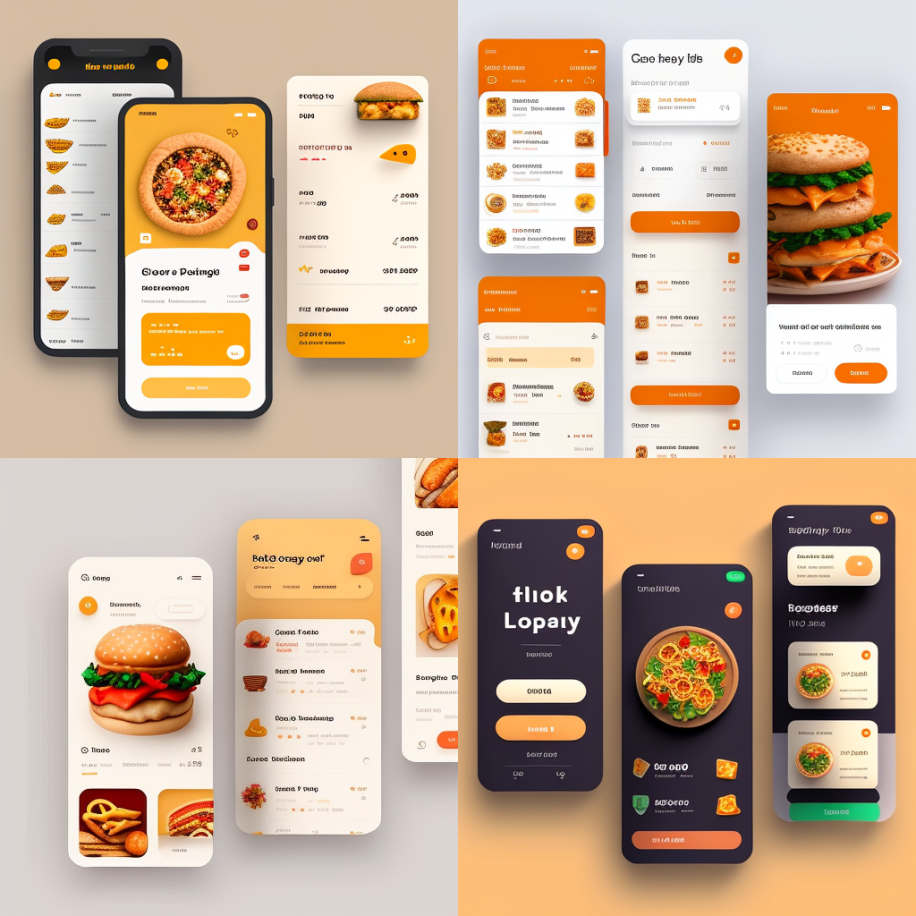
Midjourney has become an invaluable tool for gathering design inspiration and exploring visual concepts. By inputting detailed prompts, designers can generate unique visual compositions that spark creativity and inform design direction. At Zignuts, we've found that Midjourney is particularly useful in the early conceptualization phase, helping teams visualize design directions before committing to detailed mockups. The tool's ability to produce consistent, high-quality imagery makes it perfect for mood boards, style guides, and visual direction documents.
Sometimes design isn’t about function, it’s about feeling. Tools like Midjourney or DALL·E help you generate:
Concept visuals
Style directions
Mood boards
Creative asset variations
They’re not UI builders, but they expand your creative starting point and help win buy-in for visual direction.
9. DALL·E : Supporting Brand-Aligned Design Assets
DALL·E supports our design teams by generating:
Concept visuals
Illustration ideas
Brand-aligned creative references
This accelerates early-stage design while keeping the final execution firmly human-led.
10. Notion AI: Structuring Design Thinking & Documentation
While not a design tool in the traditional sense, Notion AI plays a critical role at Zignuts.
How we use it
UX research synthesis
Design documentation
Sprint planning and design rationale
Clear thinking leads to better design. Notion AI ensures our process is as structured as our interfaces.
Why AI-Powered Design Matters to Zignuts Clients
AI doesn’t make our work cheaper; it makes it smarter.
By integrating AI into our UI/UX workflows, Zignuts delivers:
Faster time-to-market
Better user validation
Scalable design systems
Reduced development friction
Most importantly, it allows our designers to focus on what truly matters:
understanding users, aligning business goals, and crafting meaningful digital experiences.
The Zignuts Design Philosophy in 2026
AI is not the future of design. Designers are.
AI is simply the multiplier.
At Zignuts, we believe:
Tools evolve, principles don’t
Speed is useless without clarity
Technology should serve people—not impress them
That philosophy is embedded in every product we design.
The agencies that will lead in 2026 are not the ones chasing every new AI tool, but the ones integrating AI with intention, discipline, and experience.
At Zignuts, AI strengthens our craft. It doesn’t replace it.
If you’re looking for a digital partner that blends design thinking, AI innovation, and engineering excellence, Zignuts is built for what’s next.
Ready to Build an AI-Ready Digital Product?
The future of UI/UX design belongs to teams that blend:
Strong design fundamentals
AI-powered efficiency
Real-world engineering expertise
That’s exactly how Zignuts works.
If you’re looking for a long-term technology partner, not just a design vendor- let’s start the conversation.
👉 Tell us about your project, and our experts will help you define the right design and AI strategy.

Chetan Singadia
Crafting meaningful digital experiences through strategic design thinking, user empathy, and a relentless commitment to visual and functional excellence.