


.svg)

.svg)


.svg)

.svg)


.webp)
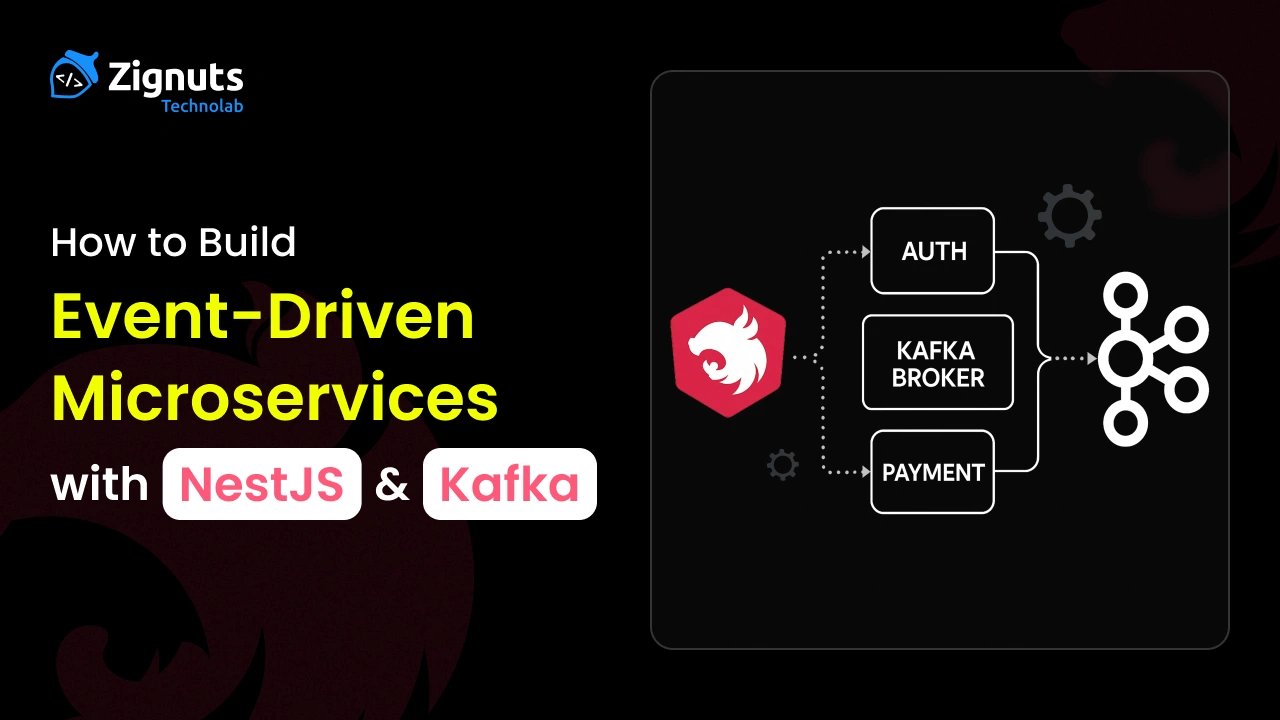
Event-driven architecture is one of the most effective ways to build scalable, loosely coupled microservices. Instead of services calling each other directly, they communicate by publishing and consuming events. This reduces tight coupling, improves resilience, and makes your system easier to evolve.
In this post, we’ll walk through how to build event-driven microservices using NestJS and Kafka, covering concepts, setup, and real code examples.
What Is Event-Driven Architecture (EDA)?
Event-Driven Architecture is a design paradigm where services communicate by emitting and reacting to events rather than invoking each other directly.
Key characteristics:
- Events are facts, not commands
- Producers don’t know who will consume the event
- Consumers react asynchronously
- The system evolves by adding new consumers, not modifying producers
Simple Example
- A user places an order
- Order Service sends an event: “Order Created”
- Other services listen to that event:
- Payment Service charges the user
- The Notification Service sends an email
The services don’t know about each other - they only care about the event.
This makes the system:
- Easier to scale
- Less tightly connected
- More reliable
This decoupling is what enables systems to scale both technically and organizationally.
Why Kafka + NestJS?
Kafka is a distributed event streaming platform designed for:
- High throughput
- Fault tolerance
- Horizontal scalability
- Event replay
NestJS is a perfect match because it provides:
- First-class microservices support
- Built-in Kafka transport
- Strong typing and dependency injection
- Clean, testable architecture
Together, they make event-driven systems both robust and developer-friendly
Kafka Setup Using Docker
Ready to bring your web application vision to life? Start your journey with Zignuts expert NestJS developers.
**Hire now**Hire Now**Hire Now**Hire now**Hire now

Common NestJS Kafka Setup
Install dependencies (for ALL services)
Order Service (Producer)
Purpose
The Order Service is responsible for managing the order lifecycle. It acts as the starting point of the business flow.
Responsibilities
- Exposes an HTTP API for creating orders
- Validates incoming order requests
- Creates an order record
- Publishes an order.created event to Kafka
How It Works
When a client sends a request to create an order:
- The Order Service processes the request
- It constructs an order object containing order details
- It emits an order.created event to Kafka
- It immediately responds to the client without waiting for other services
Payment Service (Consumer + Producer)
Purpose
The Payment Service is responsible for handling payments for created orders.
Responsibilities
- Subscribes to the order.created Kafka topic
- Processes payment logic for the order
- Updates payment status (success or failure)
- Can emit new events such as payment.success or payment.failed
How It Works
- Kafka delivers order.created events to the Payment Service
- The service processes the payment asynchronously
- Payment logic is executed independently of the Order Service
- Optionally, a new payment-related event is published
Ready to enhance your development and operations strategies? Start your project with Zignuts expert DevOps engineers.
**Hire now**Hire Now**Hire Now**Hire now**Hire now
Notification Service (Consumer)
Purpose
The Notification Service handles all user communication related to orders.
Responsibilities
- Listens for order.created events
- Sends notifications such as email, SMS, or push messages
- Handles communication logic only
How It Works
- Kafka delivers the order.created event
- The Notification Service reacts to the event
- A notification is sent to the user
- No response or event emission is required
Conclusion
In this implementation, we built a simple event-driven microservices system using NestJS and Apache Kafka, with Kafka running locally using Docker.
We saw how:
- Kafka acts as a message broker, allowing services to communicate through events
- NestJS producers publish events when something happens (like an order being created
- NestJS consumers listen to those events and react independently
- Services remain loosely coupled, scalable, and resilient
- Docker makes it easy to run Kafka locally without complex setup
By using events instead of direct service-to-service calls, the system becomes:
- Easier to scale
- More fault tolerant
- Easier to extend with new services
This approach is ideal for growing applications where multiple services need to react to the same business events.
Starting with a simple setup like this helps you understand the core concepts before moving on to advanced topics such as retries, dead-letter queues, schema management, and monitoring.




.webp)
.webp)
.webp)

.webp)
.webp)
.webp)
.webp)
.webp)
.webp)


