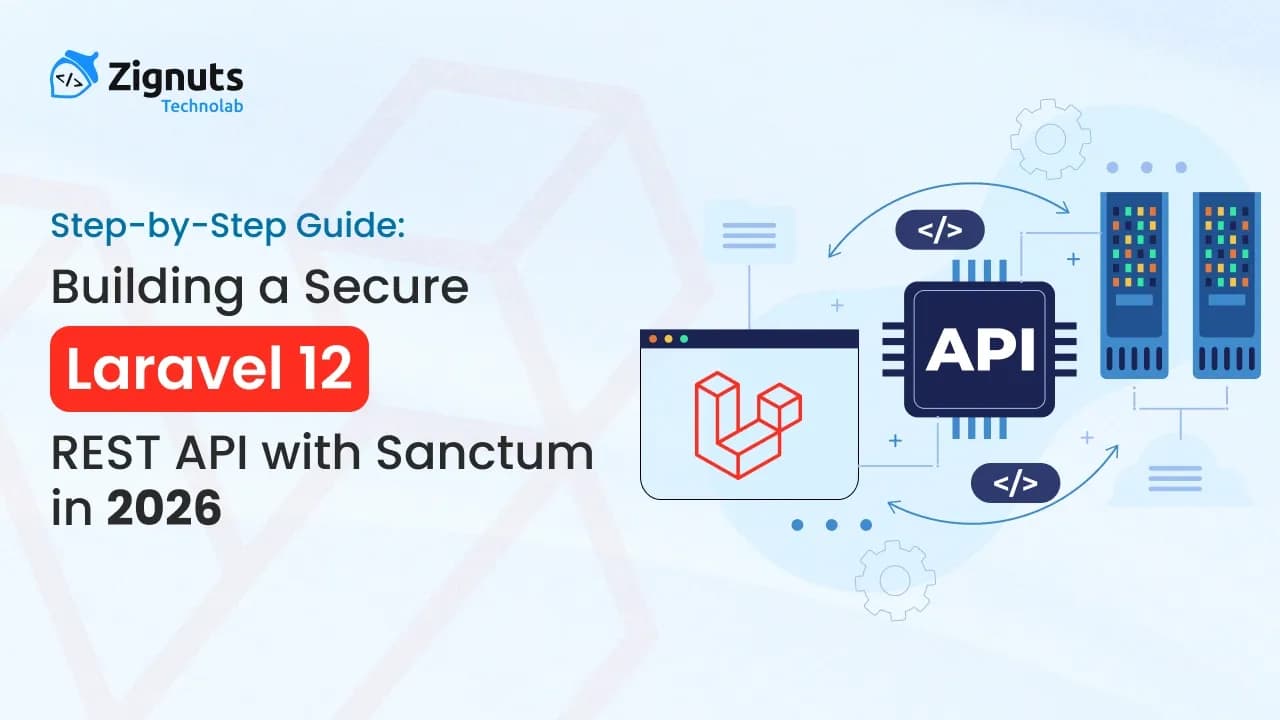
Building secure, scalable REST APIs is a core requirement for modern applications, whether you are developing a mobile app backend, a single-page application (SPA), or a public-facing integration layer. Laravel 12, paired with Laravel Sanctum, provides a clean, minimal, and production-ready approach to API authentication without the complexity of full OAuth implementations.
In this in-depth guide, you will learn how to design and implement a secure Laravel 12 REST API using Sanctum, following real-world best practices used in professional projects. By the end, you will have a working API with authentication, authorization, validation, and protected CRUD endpoints.
What Is an API?
An API (Application Programming Interface) allows different software systems to communicate with each other in a controlled and secure way.
Think of an API as a contract:
- The client requests data in a specific format
- The server responds with structured data, usually JSON
APIs are the backbone of modern architectures, enabling:
- Mobile and web applications
- Microservices communication
- Third-party integrations
In short, APIs expose functionality and data safely without revealing internal implementation details.
What Is Laravel Sanctum?
Laravel Sanctum is Laravel’s official lightweight authentication system designed for APIs, SPAs, and mobile applications.
Sanctum allows your frontend applications (React, Vue, Nuxt, mobile apps) or third-party services to authenticate securely using API tokens, without the overhead of OAuth2.
Key Features of Laravel Sanctum
- Personal Access Tokens for API authentication
- SPA Authentication using cookies (CSRF-protected)
- Token Abilities (Permissions) for fine-grained access control
- Lightweight and simple compared to Laravel Passport
Why Choose Sanctum?
- Easy setup and minimal configuration
- Ideal for mobile apps, SPAs, and internal APIs
- Seamless integration with Laravel’s auth system
- Secure route protection using auth:sanctum
In summary: Laravel Sanctum offers a clean, secure, and developer-friendly solution for API authentication in Laravel applications.
What We Will Build
In this tutorial, we will build:
- User registration and login APIs
- Token-based authentication using Sanctum
- Protected CRUD APIs for posts
- Secure route access with middleware
Prerequisites
Before starting, ensure you have:
- PHP 8.2 or higher
- Composer installed
- MySQL or PostgreSQL database
- Basic knowledge of Laravel and REST APIs
Step 1: Create a Laravel 12 Project
Create a fresh Laravel 12 application using Composer:
Configure your .env file with database credentials:
Step 2: Install Sanctum Using Laravel’s API Installer
Laravel 12 provides a convenient command that installs Sanctum and prepares API routes automatically:
This command will:
- Install Laravel Sanctum
- Publish the Sanctum configuration
- Create routes/api.php
- Run token-related migrations
Step 3: Configure Sanctum in the User Model
To enable API token functionality, your User model must use the HasApiTokens trait.
Update app/Models/User.php:
Why HasApiTokens Is Required
- Enables createToken() for issuing API tokens
- Manages token storage and relationships
- Allows token revocation and lifecycle management
- Integrates seamlessly with auth:sanctum
Without this trait, Sanctum authentication will not function.
Hire Laravel Developers Today!

Step 4: Authentication Controller (Register, Login, Logout)
Generate an authentication controller:
AuthController Implementation
Step 5: Create Post Model and Migration
Migration file:
Step 6: Update the Post Model
Step 7: Create Resource Controller for Posts
The controller handles standard CRUD operations and returns consistent JSON responses.
Step 8: Define API Routes
Update routes/api.php:
Step 9: Run Migrations and Test APIs
Use Postman or any API client and include the authorization header:
Available API Endpoints
- POST /api/register
- POST /api/login
- POST /api/logout
- GET /api/posts
- POST /api/posts
- GET /api/posts/{id}
- PUT /api/posts/{id}
- DELETE /api/posts/{id}
Conclusion
Laravel 12 and Sanctum provide a clean and secure foundation for building REST APIs that scale. This approach avoids unnecessary complexity while following industry best practices for authentication, validation, and API design.
You now have a solid base that can be extended with roles, permissions, rate limiting, API versioning, and advanced security layers.

Divyesh Patel
A passionate problem solver driven by the quest to build seamless, innovative web experiences that inspire and empower users.

Ravi Thakor
Passionate about building scalable solutions, exploring innovative technologies, and delivering meaningful user experiences across platforms.