


.svg)

.svg)


.svg)

.svg)


.webp)
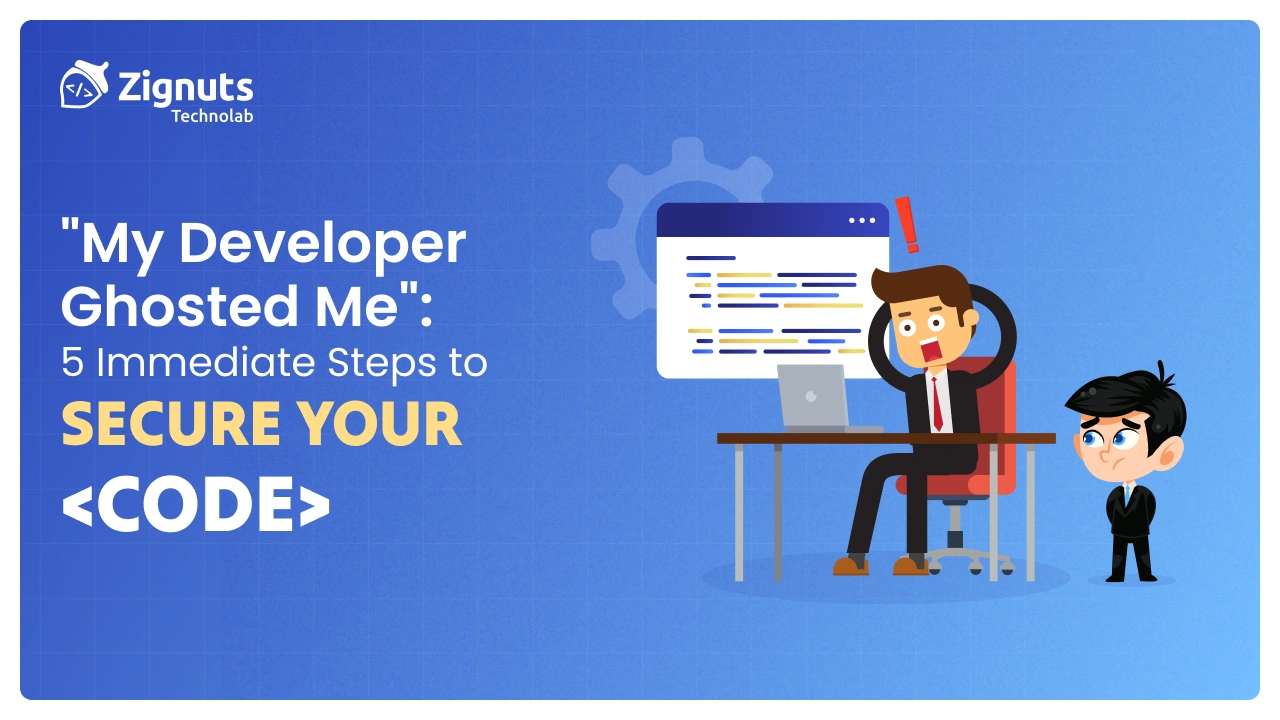
The "radio silence" from a developer isn't just frustrating; it is a massive business risk. Whether they’ve encountered a personal crisis or, more commonly, hit a technical wall they can’t climb, your intellectual property (IP) is currently sitting in a "black box."
If you’ve been ghosted, you aren't just looking for a new developer; you are in a Software Rescue scenario. Every hour that passes without securing your assets increases the risk of data breaches, code deletion, or permanent loss of your domain.
Follow this detailed 5-step emergency protocol to lock down your project.
1. Take Full Control of the Source Code Repository
Your source code is the heart of your business. If your developer hosted the code on their personal GitHub or Bitbucket account, you are in a vulnerable position.
- The Audit: Log into your version control system (GitHub, GitLab, or Bitbucket). Check the "Commit History" to see the last date work was actually pushed.
- The Lockdown: If you have Admin rights, immediately revoke the developer’s write access. Change their role to "Read Only" or remove them entirely.
- The "Fork" Strategy: If you don't have full admin rights but have access, "Fork" the repository into a new, private account that you 100% control. This ensures that even if the developer deletes the original repo, your version remains safe.
- Local Backup: Download a full .zip or clone the repository to a local, encrypted drive.
2. Revoke Cloud Infrastructure and Server Access
A ghosted developer with "Root" or "Owner" access to your AWS, Azure, or DigitalOcean accounts can accidentally or intentionally shut down your entire business.
- Rotate Credentials: Change the master password for your cloud console and enable Multi-Factor Authentication (MFA) using a device you hold.
- SSH Key Purge: Code access isn't just about passwords; it's about SSH keys. Go into your server settings and remove any "Authorized Keys" that belong to the developer’s machine.
- API Key Invalidation: If your app uses third-party services (Stripe for payments, Twilio for SMS, SendGrid for emails), regenerate the API keys. An angry or negligent developer could theoretically use these keys to incur massive costs or siphon data.
3. Secure Your "Digital Real Estate" (Domain and DNS)
If a developer has access to your Domain Registrar (like GoDaddy or Namecheap), they effectively own your brand.
- Check Ownership: Ensure the "Registrant Email" is yours. If it’s the developer’s email, they can initiate a transfer without your consent.
- Lock the DNS: Many developers use Cloudflare to manage traffic. If you lose access to Cloudflare, you lose the ability to point your domain to a new server. Reset these passwords immediately.
- Turn on Transfer Locks: Ensure "Domain Lock" is enabled to prevent the domain from being moved to another registrar.
4. Database Lockdown and Data Integrity Check
The code can be rebuilt, but user data is irreplaceable. If your developer still has access to your production database, your customers' privacy is at risk.
- Change Database Strings: Update the connection strings and passwords for your SQL or NoSQL databases.
- Kill Active Sessions: Manually terminate any active administrative sessions in your database management tool (such as pgAdmin or MongoDB Compass).
- Off-site Backups: Ensure that your database backups are not just sitting on the same server as the code. Create a fresh backup and move it to a secure, independent storage bucket (like AWS S3) that the developer cannot access.
5. Conduct a Technical "Crime Scene" Documentation
Before you bring in a Software Rescue Team, you need to document the state of the wreckage. This is vital for both technical handover and potential legal disputes.
- The Paper Trail: Save all Slack logs, emails, and Jira tickets. Document the exact date and time communication stopped.
- Code Snapshot: Take a snapshot of the current "Readme" file and the last 10 commits.
- Contract Review: Locate your Work-for-Hire agreement. Ensure it explicitly states that the IP belongs to you upon payment. This document will be your primary weapon if you need to involve legal counsel to recover assets hosted on the developer's personal accounts.
The Path Forward: From Panic to Recovery
Once the perimeter is secure, the "Rescue" begins. You likely have a codebase that is partially finished, poorly documented, or riddled with bugs, which is often why developers ghost in the first place.
Instead of hiring another freelancer who might repeat the cycle, you need a structured audit. At Zignuts, our Software Rescue Services focus on:
- Code Quality Audit: Is the code salvageable or a "Sunk Cost"?
- Security Clearing: Removing backdoors left by previous developers.
- Stability Roadmap: Getting your product to a launchable state with documented, clean architecture.
Don't let a ghosted project be the end of your startup. Talk to a Zignuts Rescue Expert today to regain your peace of mind.
Learn more about protecting your investment:





.webp)
.webp)
.webp)

.png)
.png)
.webp)
.webp)
.webp)


