AI coding assistants are no longer a future concept-they are actively reshaping how developers write, read, and think about code. Among the many tools available today, Cursor and Antigravity stand out not because of flashy features, but because they represent two very different philosophies.
At its core, this comparison isn’t just about tools.
It’s about choosing between shipping faster and understanding deeper.
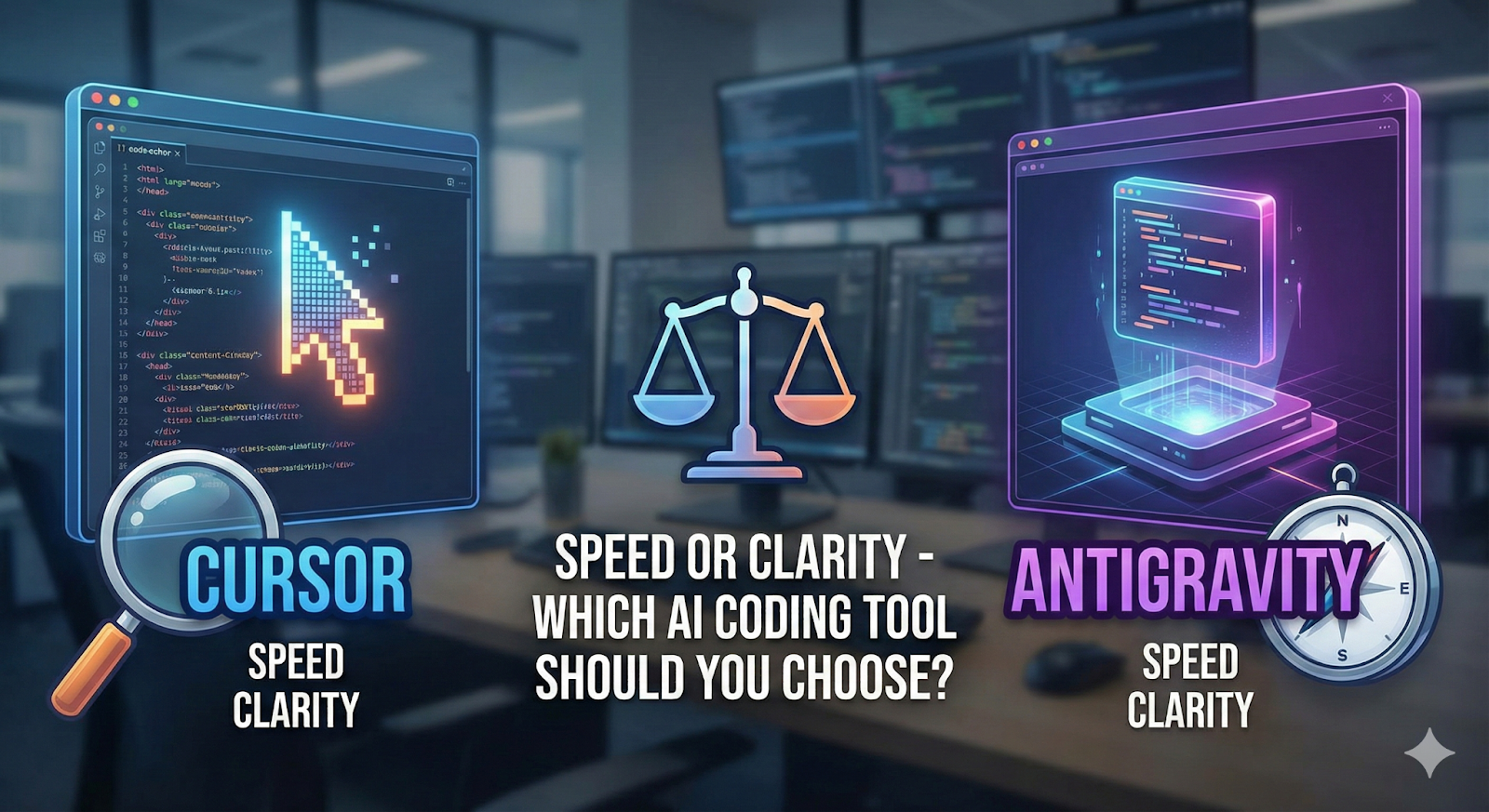
Two Different Mindsets, Two Very Different Tools
Cursor: Built for Speed and Execution
Cursor is more than just VS Code with AI added on top. It’s a deeply integrated AI-powered editor that understands your entire codebase.
Instead of working file by file, Cursor lets you think in high-level instructions, such as:
- Add authentication to all API routes
- Refactor this component to hooks
- Fix TypeScript errors across the project
Cursor then executes those changes across multiple files automatically.
Why Developers Love Cursor
- Saves massive amounts of time
- Excellent for repetitive tasks
- Handles large refactors with ease
- Helps you move fast in unfamiliar codebases
Cursor is powerful, but overusing it can turn it into a crutch.
Antigravity: Built for Understanding and Thinking
Antigravity takes the opposite approach.
It doesn’t directly edit your files.
It doesn’t auto-refactor your project.
And that’s intentional.
Antigravity acts as a thinking partner, helping you reason through complex problems. You bring it confusing logic, legacy code, or architectural questions, and it helps you understand what’s really going on.
It focuses on:
- Explaining how code works
- Identifying why bugs happen
- Offering multiple solutions
- Discussing trade-offs clearly
Why Antigravity Shines
- Excellent for debugging complex issues
- Strong for system design discussions
- Encourages deeper reasoning
- Improves long-term developer skills
The Trade-Off
Antigravity is slower. You still write the code yourself. If you’re racing against a deadline, it won’t magically ship features for you.
Real-World Usage: When Each Tool Makes Sense
Use Cursor When:
- You’re working under tight deadlines
- You’re building UI-heavy features
- Tasks are clear but repetitive
- You’re onboarding into a large codebase
- You need fast refactors or boilerplate
Cursor is ideal when speed matters more than deep analysis.
Use Antigravity When:
- The problem is unclear or evolving
- You’re designing APIs or system architecture
- You’re debugging tricky logic or race conditions
- You want to understand legacy code deeply
- Long-term maintainability matters
Antigravity shines when clarity matters more than speed.
Hire AI Developers Today!

The Real Difference: Output vs Understanding
This is the core tension.
Cursor’s Loop
Prompt → AI writes code → Result
Fast and efficient-but sometimes opaque. You get working code quickly, but you may not fully understand its implications.
Antigravity’s Loop
Question → AI explains → You write code → Result
Slower but intentional. You stay in control and grow as a developer.
The Smart Move: Use Both Together
The most effective developers don’t pick sides-they combine tools thoughtfully.
A Balanced Workflow
- Plan with Antigravity
- Think through architecture
- Explore edge cases
- Decide on the right approach
- Build with Cursor
- Generate scaffolding
- Implement features faster
- Handle repetitive changes
- Review with Antigravity
- Validate decisions
- Spot anti-patterns
- Improve code quality
This creates a powerful cycle:
deep thinking → fast execution → better thinking
Final Verdict: It Depends on Your Goal
Choose Cursor if:
- You want to ship faster
- You’re building startups or MVPs
- Your success metric is features delivered
- You’re comfortable trading some depth for speed
Choose Antigravity if:
- You care about long-term code quality
- You’re a senior engineer or architect
- You want to sharpen problem-solving skills
- You value understanding over shortcuts
If you feel stuck overthinking, Cursor can help you build momentum.
If you feel like you’re coding on autopilot, Antigravity can slow you down in a good way.
The best tool isn’t the most powerful one.
It’s the one that corrects your current imbalance.
Knowing when to switch-that’s the real senior-level skill.
Ready to Build with AI—The Right Way?
If you’re looking to go beyond tools and build scalable, AI-driven software solutions, our team can help. From designing intelligent architectures to implementing AI-powered features with clarity and speed, we specialize in turning ideas into production-ready systems. Whether you’re building an MVP, modernizing legacy software, or scaling an AI-first product, our developers combine deep technical understanding with rapid execution.
Contact us today to discuss your AI-driven software development needs and hire experienced AI developers who can deliver real impact.

Pruthvi Darji
A problem solver with a passion for building robust, scalable web solutions that push the boundaries of technology and deliver impactful results

Hardik Desai
Passionate developer with expertise in building scalable web applications and solving complex problems. Loves exploring new technologies and sharing coding insights.